
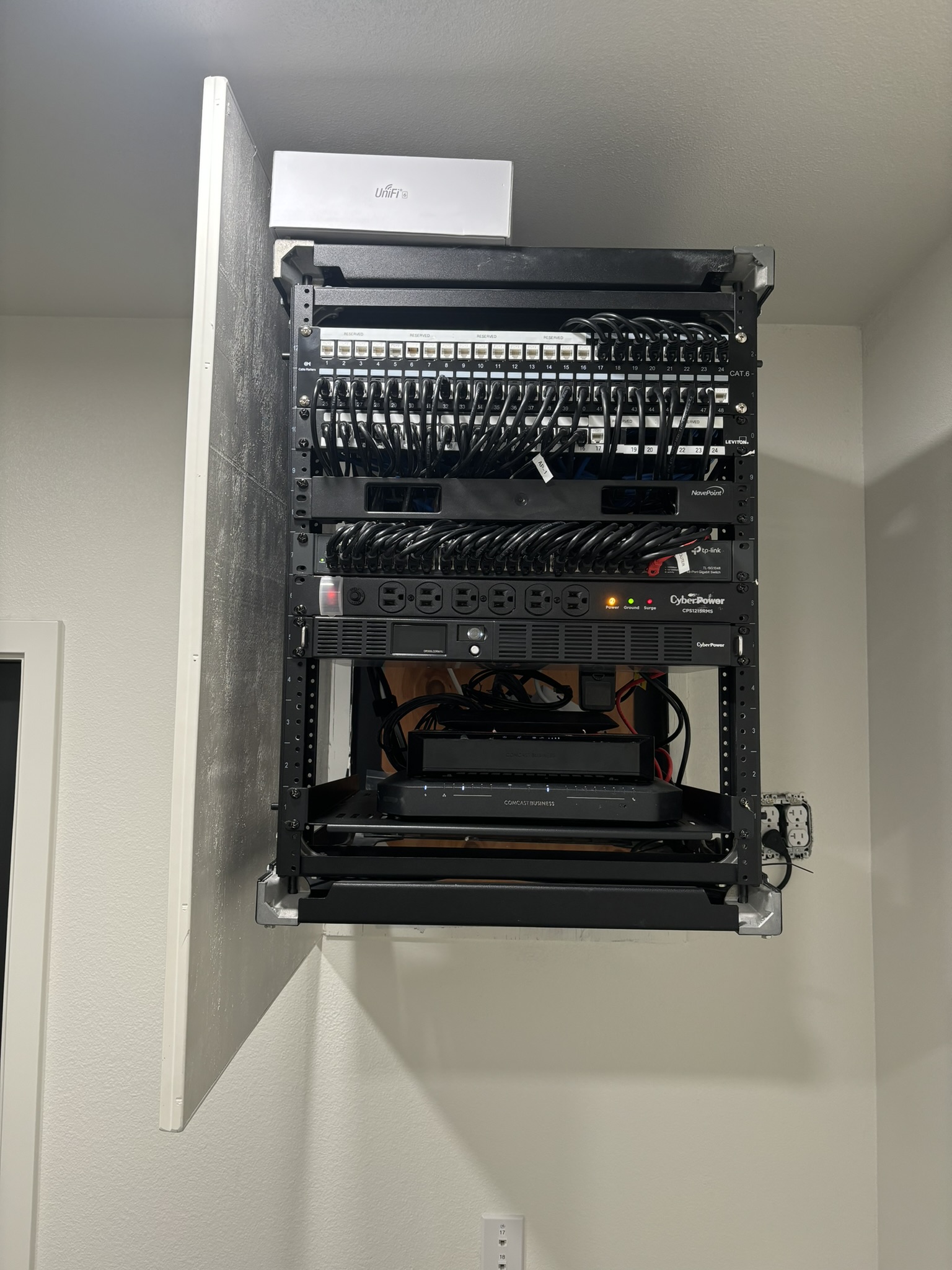
If your internet keeps dropping, Wi‑Fi is slow, or devices won’t talk to each other on your network, you need help now—not next week. If you are look for professional, fast and affordable office network support in Fresno, you’re in the right place. Our local team delivers fast, reliable IT support across Fresno to get your home office or business back online promptly.
Common Network Problems We Fix in Fresno
From North Fresno to the Tower District and Downtown, we see the same frustrating issues:
- Slow internet or random disconnects
- Wi‑Fi dead zones and weak signals
- Devices that won’t connect to printers or shared (network) drives
- IP conflicts, DNS failures, and DHCP misconfigurations
- VPNs that won’t stay connected for remote work
- Modems, routers, or switches that keep rebooting
- Cable faults, loose terminations, and damaged jacks
- Interference from neighboring networks or appliances
- Security misconfigurations that block access or expose data
Whether you’re running a small business in Fresno or managing a busy home office network, we resolve the root cause so you’re not stuck in a reboot loop.
Our Proven network troubleshooting Process
We don’t guess—we diagnose. Here’s how we deliver network troubleshooting Fresno that lasts:
- Rapid triage: We listen to your symptoms, gather details about your ISP, hardware, and layout, and schedule fast, same-day service in Fresno whenever possible.
- On-site testing: Using professional tools (Wi‑Fi spectrum analyzers, cable testers, and monitoring software), we verify the health of your modem, router, switches, access points, and cabling.
- Configuration audit: We check DHCP, DNS, NAT, VLANs, and firewall rules. We fine-tune Wi‑Fi channels, channel width, and band steering (2.4/5/6 GHz) to reduce interference and congestion common in Fresno neighborhoods and offices.
- Security and stability: We update firmware, patch vulnerabilities, separate guest and internal networks, and set strong wireless encryption to protect your Fresno business or home.
- Optimization: We implement QoS for VoIP and video calls, fix printer and file-sharing discovery, and improve roaming so devices move between access points smoothly.
- Documentation and prevention: We label connections, back up router configs, and recommend proactive monitoring—so your Fresno network stays steady under pressure.

Why Choose Our Fresno IT Support Team
- Local expertise: We understand Fresno’s common ISP setups, building types, and Wi‑Fi challenges.
- Same-day availability: Urgent issues get priority so your downtime is minimal.
- Clear communication: No jargon—just plain-English explanations and actionable fixes.
- Transparent pricing: Upfront estimates and options before we start.
- Business-ready: From storefronts to offices and warehouses, we plan for uptime, compliance, and growth.
- Vendor-agnostic: We service Ubiquiti/UniFi, Cisco/Meraki, Netgear, TP‑Link, Fortinet, SonicWall, and more across Fresno—Windows, macOS, iOS, and Android environments included.
When you need network troubleshooting in Fresno, our certified technicians arrive prepared with parts, tools, and proven playbooks to solve the issue the first time.
Fast, Same-Day Service in Fresno
Network outages don’t wait, and neither should you. We offer fast, same-day service throughout Fresno—Downtown, Fig Garden, Woodward Park, Sunnyside, and beyond. We provide onsite, as well as remote support to resolve many issues within minutes, saving our Fresno customers time and money.
What to Try Before We Arrive (Safe Quick Checks)
If you need a quick fix while we’re on the way, try these safe steps:
- Power cycle in order: modem first, then router, then switches/access points (wait 60 seconds between each).
- Check for ISP outages in Fresno via your provider’s app or status page.
- Reseat Ethernet cables; look for kinks or broken tabs.
- Move closer to the access point to rule out weak signal or interference.
- Forget and rejoin the Wi‑Fi network; double-check the correct SSID and password.
- For Windows: run ipconfig /release then ipconfig /renew; flush DNS with ipconfig /flushdns.
- For Macs: toggle Wi‑Fi off/on and renew DHCP lease in Network settings.
- Avoid factory resets unless we advise you—doing so can erase vital configurations.
If these don’t help, don’t worry. Our network troubleshooting service will pinpoint and fix the issue quickly.
Get Expert network troubleshooting in Fresno Today
Stop losing time to unreliable Wi‑Fi and mystery disconnects. Call our Fresno IT support team now to schedule fast, same-day network support service. We’ll diagnose the problem, explain your options clearly, and implement a durable fix that keeps your home business or office online.
- Same-day appointments across Fresno
- Friendly, certified technicians
- Root-cause repairs and optimization—not band-aids
- Ongoing support plans available for Fresno businesses
When reliability matters, choose the local experts trusted for network troubleshooting Fresno. Contact us now to get your network stable, secure, and fast—today.
Leave a Reply