
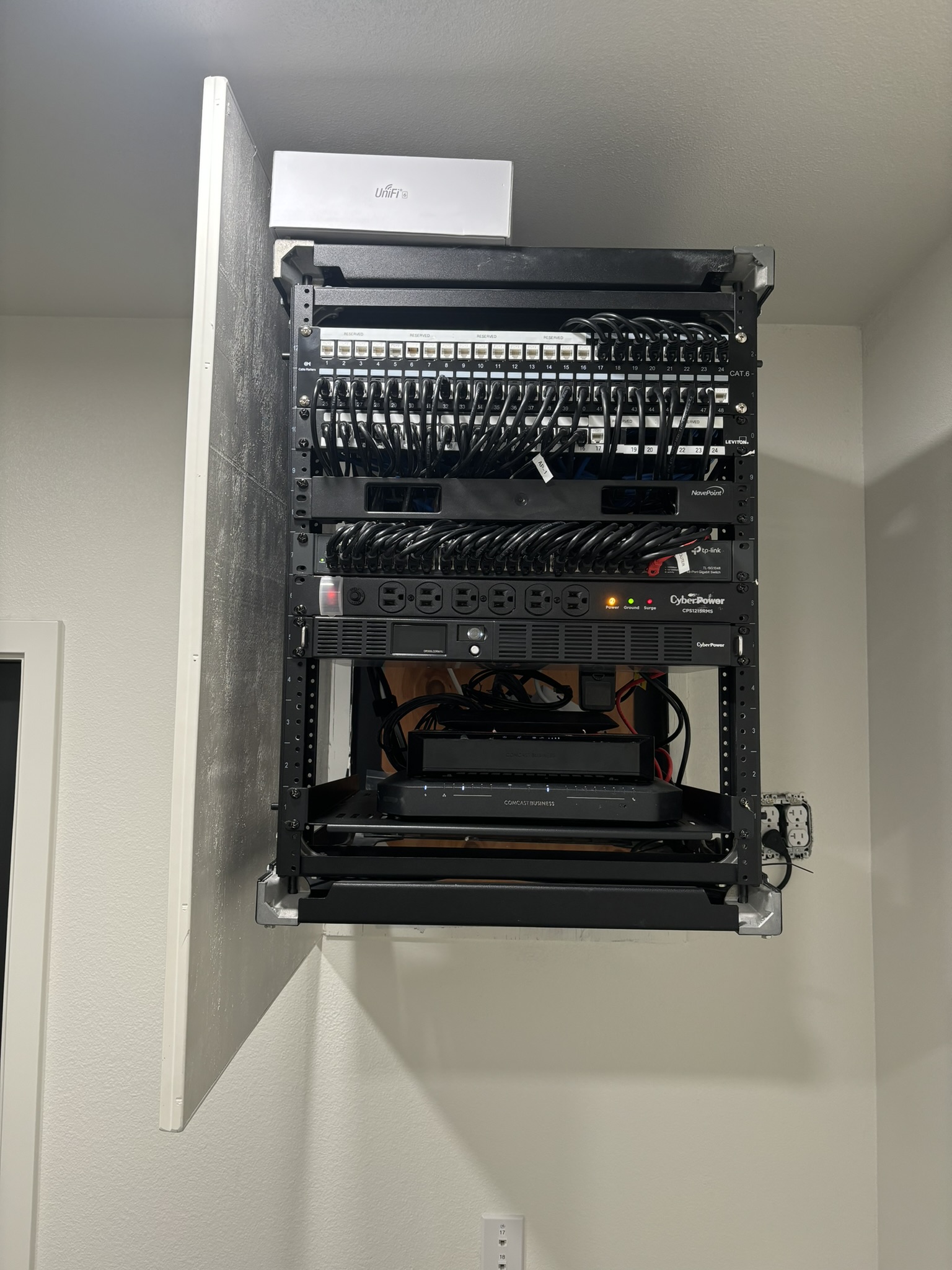
Slow Wi-Fi, dropped video calls, and printers that disappear from the network can interrupt an entire workday. The first step is to find out whether the problem affects one device, your Wi-Fi connection, or the wider internet connection.
Central Valley TechCare provides network troubleshooting for homes, home-based businesses, and small businesses in Clovis. Support may be remote or on-site, depending on the issue. Our physical locations are in North Fresno and Woodward Park.
Start by checking what is affected
Before replacing equipment or changing settings, look for a pattern:
- One device: Check whether another computer or phone can connect to the same network.
- One room or area: Move closer to the router and compare the connection.
- Wi-Fi devices: If possible, compare with a computer connected by Ethernet to your router.
- One application: Check whether other websites and applications work.
- Multiple devices: Use mobile data to check your internet provider’s outage information.
These comparisons help narrow the investigation. A single speed test or a router’s age alone is not enough to identify the cause.
Simple checks you can try safely
- Save your work. Restart the affected computer and check the connection again.
- Check accessible cables. Look for a loose connection or visible damage without disturbing unfamiliar office equipment.
- Restart home networking equipment if appropriate. Follow your provider’s instructions for your modem and router. A restart will temporarily disconnect users.
- For a Windows 11 computer, try Get Help. Microsoft’s Network and Internet troubleshooter can run connection diagnostics.
- Record recurring symptoms. Note affected devices, error messages, recent changes, and when the problem happens.
For a managed office network, coordinate with your IT provider before restarting shared equipment. Avoid factory resets, disabling security protections, or changing firewall and VPN settings as trial-and-error fixes.
For additional Windows instructions, see Microsoft’s Wi-Fi troubleshooting guide.
When professional network troubleshooting makes sense
Request help when the problem keeps returning, interrupts several users, or involves business systems you cannot safely take offline. Useful details to share include:
- Whether the issue affects Wi-Fi, wired connections, or both.
- Whether internet access works while a printer or shared folder remains unavailable.
- Which video calls, business applications, or VPN connections are affected.
- Whether the problem began after an equipment replacement, update, or service change.
- Any troubleshooting already completed and what changed afterward.
A useful assessment should connect the findings to the symptoms and explain the recommended next step. That may involve a device setting, network equipment, cabling, or further investigation by your internet provider. Replacing a router should follow evidence that it is contributing to the problem.
Network support for Clovis businesses and home offices
For a small business, the priority is understanding which work is being interrupted. Tell us whether employees cannot reach company files, process transactions, use network printers, or connect remotely. This helps define the scope of support and plan any necessary interruption.
Central Valley TechCare’s small business IT support services include network setup and troubleshooting, server support, and workstation support.
For households and home-based businesses, our home network support can help with Wi-Fi setup and connection problems. Tell us where you use the connection and which devices are affected so we can discuss an appropriate approach.
Request network troubleshooting in Clovis
You do not need to know which piece of equipment is responsible before asking for help. Start with the symptoms, the number of affected devices, and any recent changes.
Request an appointment with Central Valley TechCare to discuss network support for your Clovis home or business. Confirm the appropriate service option and appointment availability before bringing equipment to one of our Fresno locations.